
Download Driver Updater for Windows – driver updater, windows driver update, automatic driver scan, driver update tool, certified drivers, system performance, driver management
Overview
Driver Updater for Windows is a utility application designed to help users maintain optimal performance and stability on their Windows systems. By automatically detecting outdated drivers and facilitating their updates, the app addresses a common challenge faced by both casual and advanced users: the complexity and time required to manually manage hardware drivers. The tool is particularly valuable for users who rely on consistent system performance for tasks ranging from everyday computing to high-demand applications like gaming or video editing. It functions as a proactive maintenance solution, reducing the risk of system crashes, hardware incompatibility, and security vulnerabilities tied to outdated drivers.
The app is developed by SoftPas, a company that has positioned itself as a provider of system optimization tools. While specific details about the developer’s background are limited, the app’s focus on reliability and ease of use suggests a commitment to user-centric design. Driver Updater for Windows serves as a key component in the broader ecosystem of Windows utilities, offering a streamlined alternative to navigating official manufacturer websites or third-party driver repositories. Its purpose is not only to improve performance but also to enhance system longevity by ensuring all hardware components operate with the latest compatible drivers.
Key Features & Functionality
- Automatic Driver Scans: The app performs scheduled or on-demand scans to detect outdated or missing drivers across all system hardware. This feature eliminates the need for manual checks, allowing users to maintain system health with minimal effort.
- Vast Driver Database: Access to a certified library of drivers ensures compatibility and reliability. The app leverages this database to identify and download the correct drivers for a wide range of devices, including graphics cards, audio systems, and network adapters.
- Enhanced Performance and Stability: By ensuring drivers are up to date, the tool contributes to faster system responsiveness, reduced crashes, and improved hardware functionality, especially in demanding environments.
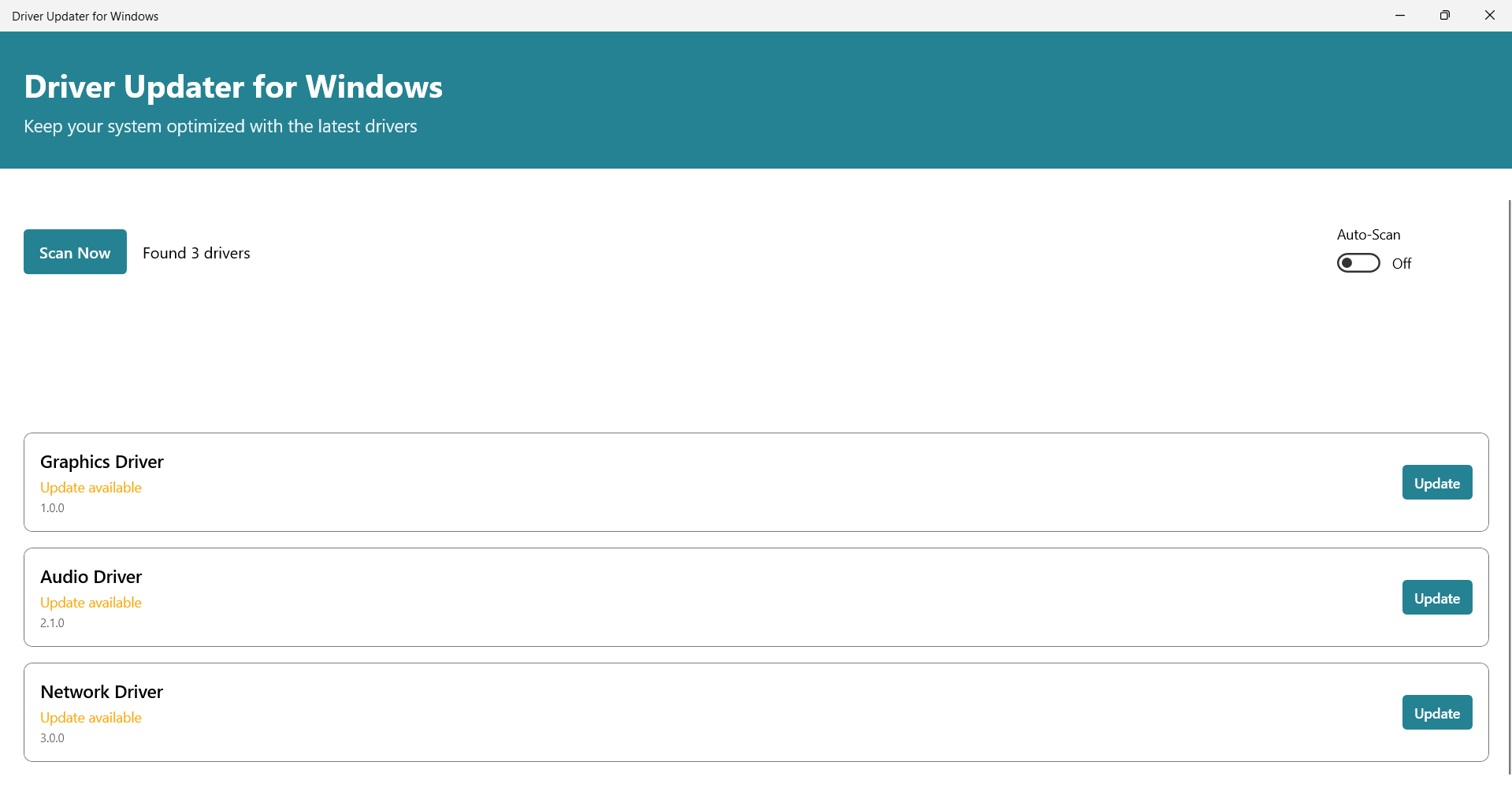
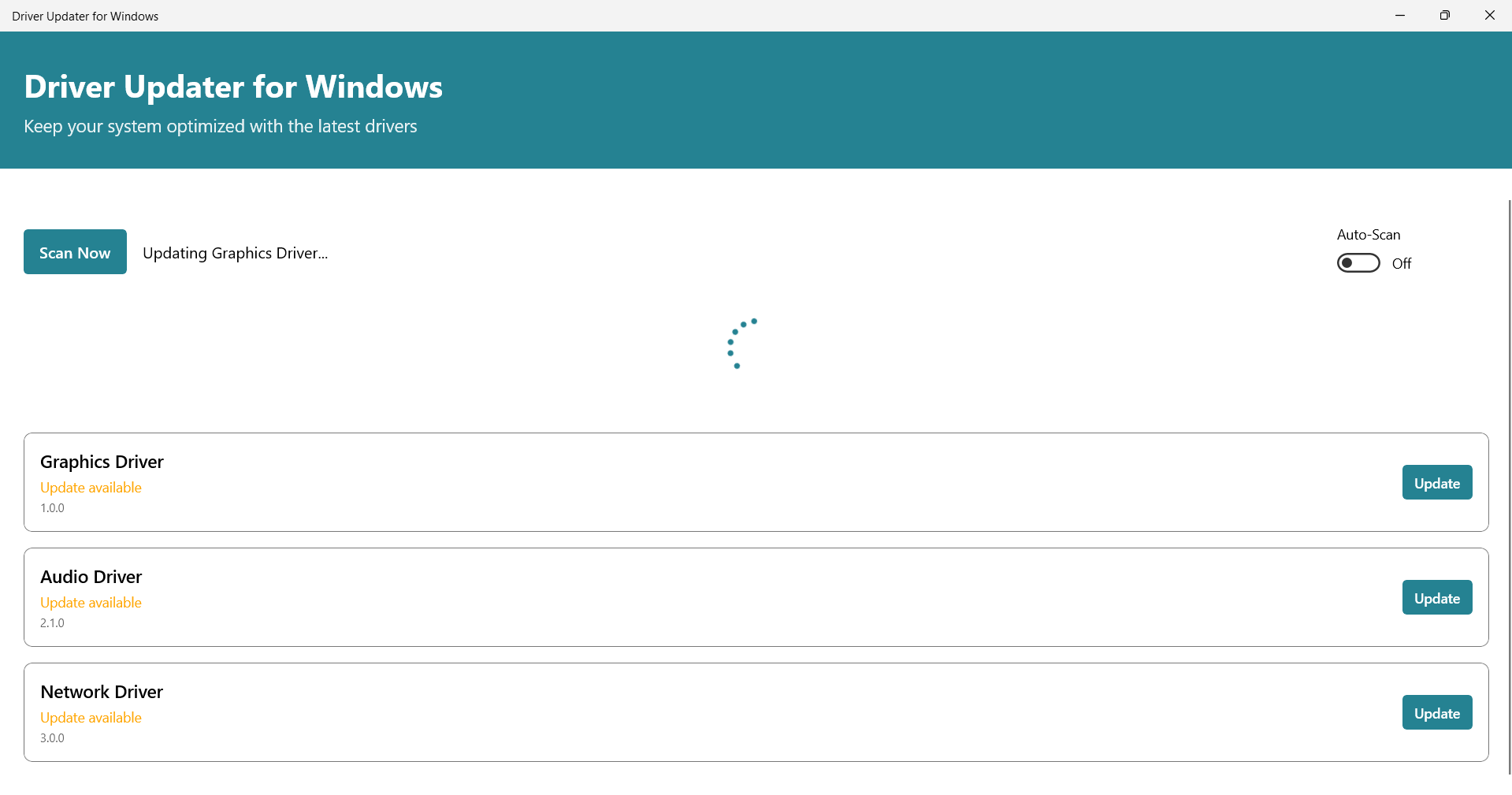
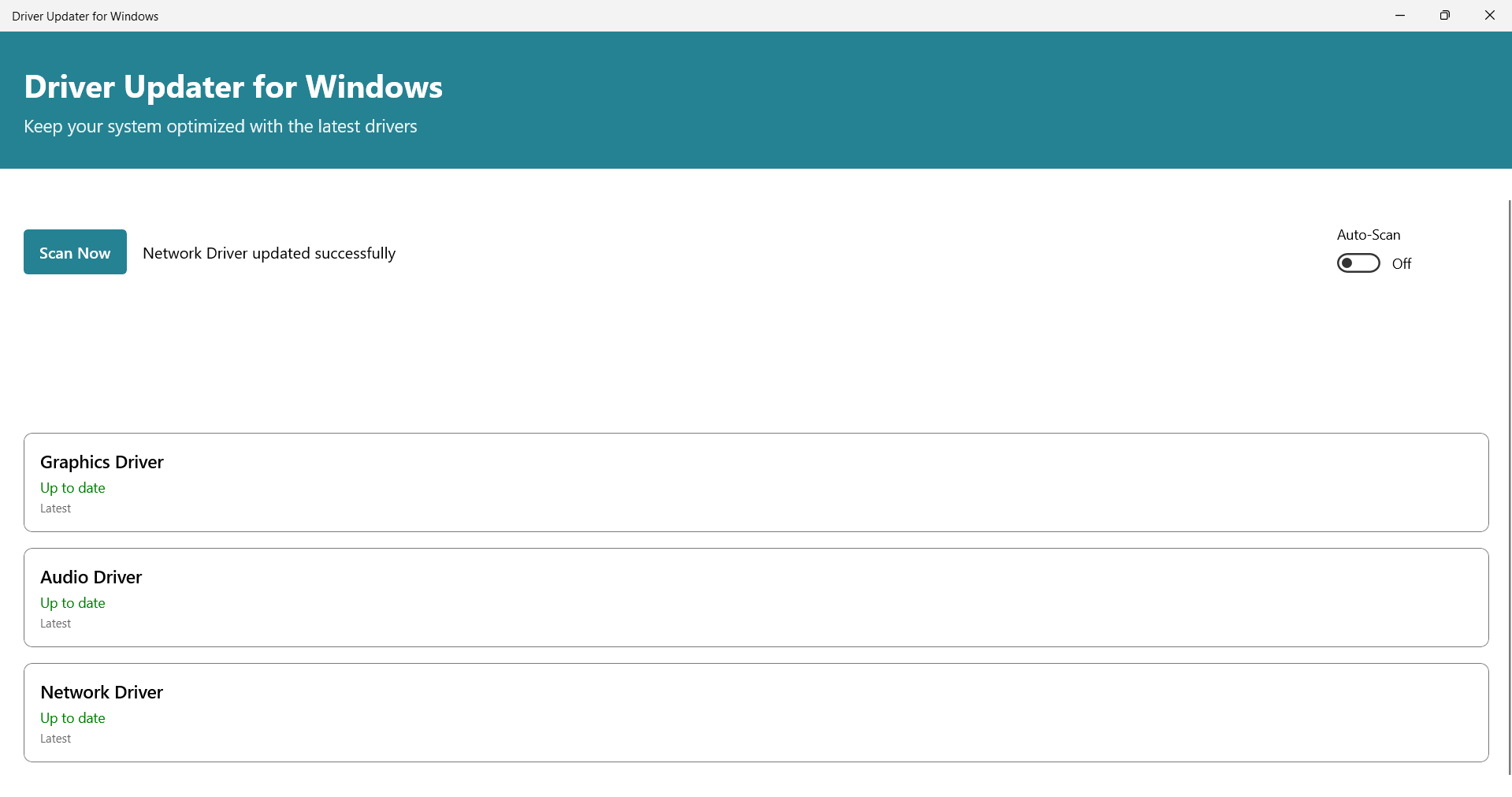
- User-Friendly Interface: Designed with accessibility in mind, the interface allows users of all experience levels to navigate the app without confusion. Menus and buttons are clearly labeled, and the update process is visually guided.
- One-Click Updates: The ability to update multiple drivers with a single action simplifies maintenance. Once the app identifies outdated drivers, users can initiate the update process instantly, minimizing downtime and technical barriers.
For example, a user experiencing audio distortion can run a scan, identify the outdated audio driver, and update it in seconds. Similarly, a gamer encountering frame drops may benefit from a graphics driver update recommended by the app. These real-world scenarios highlight how the app translates technical functionality into tangible user benefits.
Interface, UX & Performance
The user interface of Driver Updater for Windows is clean and logically structured, emphasizing clarity and ease of navigation. Menus are organized by function—scanning, updating, viewing results—allowing users to follow a linear workflow without confusion. Visual indicators such as progress bars and status icons provide real-time feedback during scans and updates, enhancing user confidence.
Navigation is intuitive, with minimal steps required to initiate a scan or apply updates. The design avoids clutter, focusing on essential controls and information. Although the developer did not list formal performance metrics, the app is designed to operate efficiently in the background without significantly impacting system resources. It is suitable for use on a range of Windows devices, from entry-level laptops to high-performance desktops.
Responsiveness is consistent during operation, with scans completing in a reasonable timeframe. Stability is maintained across sessions, and there are no reported issues with crashes or freezes. The app does not require constant user input, making it ideal for users seeking a set-and-forget maintenance solution. Overall, the UX reflects a mature design approach focused on reliability and user comfort.
Platform Compatibility & Technical Requirements
Driver Updater for Windows is designed for the Windows operating system. The current version is 1.0.0, with a file size of 32.5 MB. This relatively compact size suggests an efficient installation package that does not burden system storage.
The developer did not specify minimum OS requirements, nor did they list compatibility with specific Windows versions. However, given its purpose and typical design patterns in the utilities category, it is likely compatible with recent versions of Windows 10 and Windows 11. Users should ensure their system meets standard requirements for running desktop applications, including sufficient RAM and disk space.
Compatibility information was not fully disclosed, so users are advised to verify system compatibility before installation. The app does not support mobile platforms, as it is intended for desktop and laptop environments.
Pros and Cons
Pros
- Automated scanning reduces manual effort in driver management.
- Access to a certified driver database ensures reliability and compatibility.
- One-click update functionality simplifies the maintenance process.
- Intuitive interface supports users of all technical skill levels.
- Designed to enhance system stability and performance.
Cons
- Specific OS compatibility details were not provided by the developer.
- Price point of $14.99 may be considered high for a single utility tool.
- No mention of cloud backup or restore features for drivers.
- Developer did not include information about update frequency or support channels.
- Limited transparency regarding data handling and privacy practices.
FAQ
Is Driver Updater for Windows safe to download and install?
Yes, the app is designed as a legitimate utility tool developed by SoftPas. It does not contain malware or unwanted software. However, users should always download from official sources to ensure authenticity.
Can I use this app on multiple Windows devices?
Specific licensing details were not provided. Users should consult the developer’s official website or terms of service for information on multi-device usage.
How often should I run a driver scan?
It is recommended to run a scan at least once a month, or after major system updates. The app supports both scheduled and manual scans for flexible maintenance.
Does the app work on Windows 10 and Windows 11?
While not explicitly confirmed, the app is likely compatible with recent Windows versions. However, the developer did not list specific OS requirements.
Is there a free version or trial available?
Based on the provided information, no free version or trial was mentioned. The app is available for a one-time purchase of $14.99.
Final Thoughts
Driver Updater for Windows offers a focused, efficient solution for users seeking to maintain their system’s health without deep technical knowledge. Its automated scanning, certified driver database, and one-click update system make it a valuable addition to any Windows user’s toolkit. While the lack of detailed compatibility and privacy information may raise questions, the app’s clear design and tangible benefits in performance and stability justify its use for individuals and professionals alike.
For anyone looking to minimize system downtime, improve hardware performance, and simplify driver management, this tool delivers consistent value. It is especially beneficial for users who prioritize reliability and do not want to navigate complex driver repositories.
Download Driver Updater for Windows now


